
Private app access

Get FireNav

Use the department email you use, or will use, for FireNav. One request checks your account status and sends the right app install step.

Account check App install Email verification
Existing users Trusted domains Manual review when needed
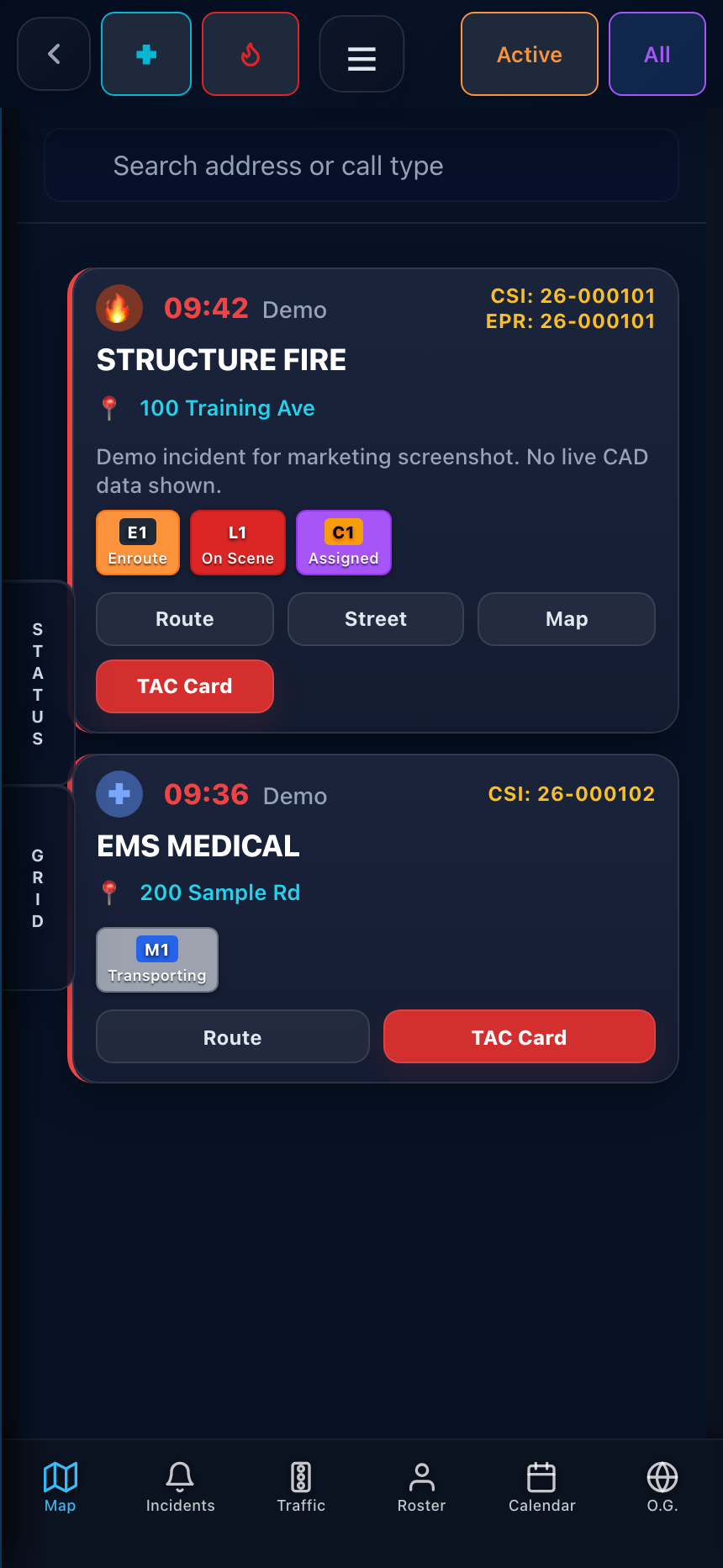
Actual FireNav Pro private login screen

Start app setup

Tell FireNav whether you already have a login. Existing users can be matched automatically; new users will get the app path and account instructions together.

FireNav account
Device

What happens next

  1. FireNav checks this email against existing users and trusted department domains.
  2. If approved, your private install page is emailed to this same address.
  3. After install, sign in with your existing account or create one with this email if you are new.
  4. Apple redemption codes work once per Apple ID; use App Store Purchases for additional iPhone or iPad installs on that same Apple ID.