Incidents and TAC
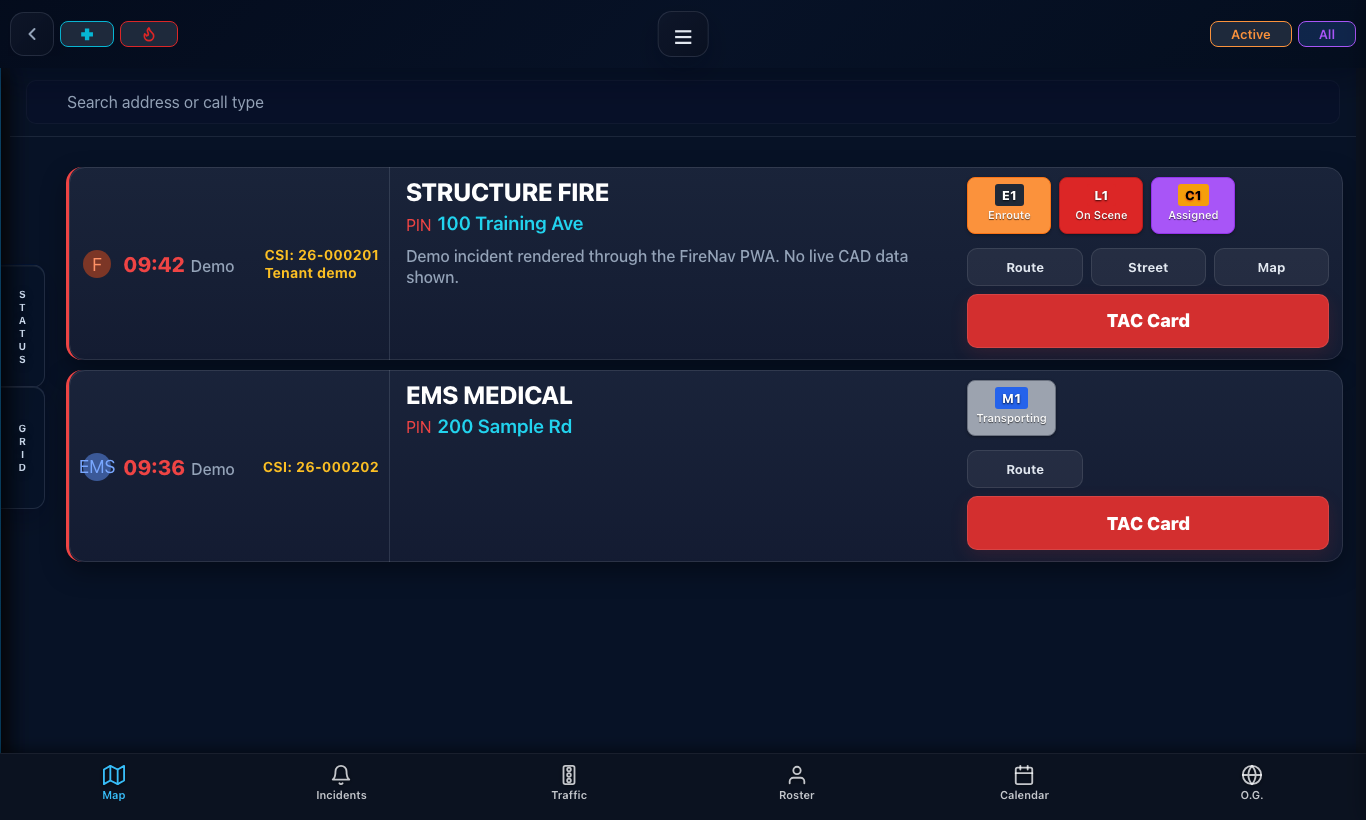
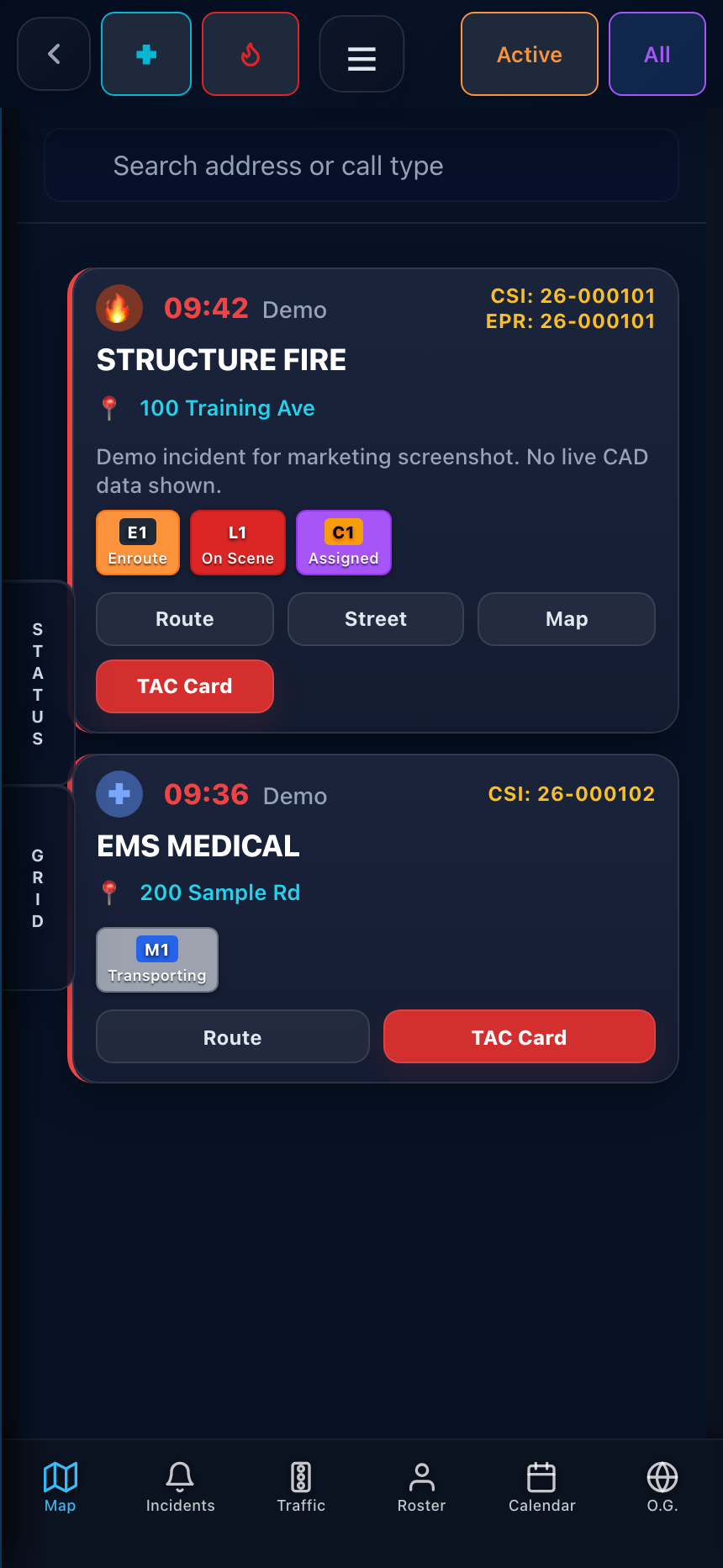
CAD-linked calls, unit status, response navigation, MDT views, TAC actions, and incident accountability.
 FireNav
Fire and EMS operations
See the response, run the shift, track readiness, and complete the record in one department-controlled platform.
Access is for approved departments. Module availability and connected data sources depend on each tenant's configuration. Screen captures on this page show FireNav interfaces with fictional sample data.
NERIS V1 data exchange
The platform
FireNav Pro connects field operations, station work, records, and administration. Departments enable the modules and integrations that fit their deployment.
CAD-linked calls, unit status, response navigation, MDT views, TAC actions, and incident accountability.
Apparatus locations, hydrants, preplans, address history, hospitals, weather, and traffic where configured.
Shared incident and unit awareness, staffing context, and operational views for command and station teams.
Inventory, apparatus checks, maintenance tickets, work orders, and repair expenses in a controlled workspace.
Private incident report drafts, review workflows, and NERIS preparation tools for enabled departments.
Configured radio feeds, tone history, incident audio, transcription review, and Radio Box access.
Training, credentials, department activity, configurable lists, and source-linked records.
Tenant-scoped incident, apparatus, response, and operational reporting views.
Unit and incident displays, screen assignments, playlists, and alert layouts for station screens.
People, schedules, duty status, ShiftLedger workflows, and shared calendar context.
Connected alert devices and tenant alert delivery controls where devices are provisioned.
Tenant users, roles, module access, settings, Support Center, and department-approved AI guidance where enabled.
Product views
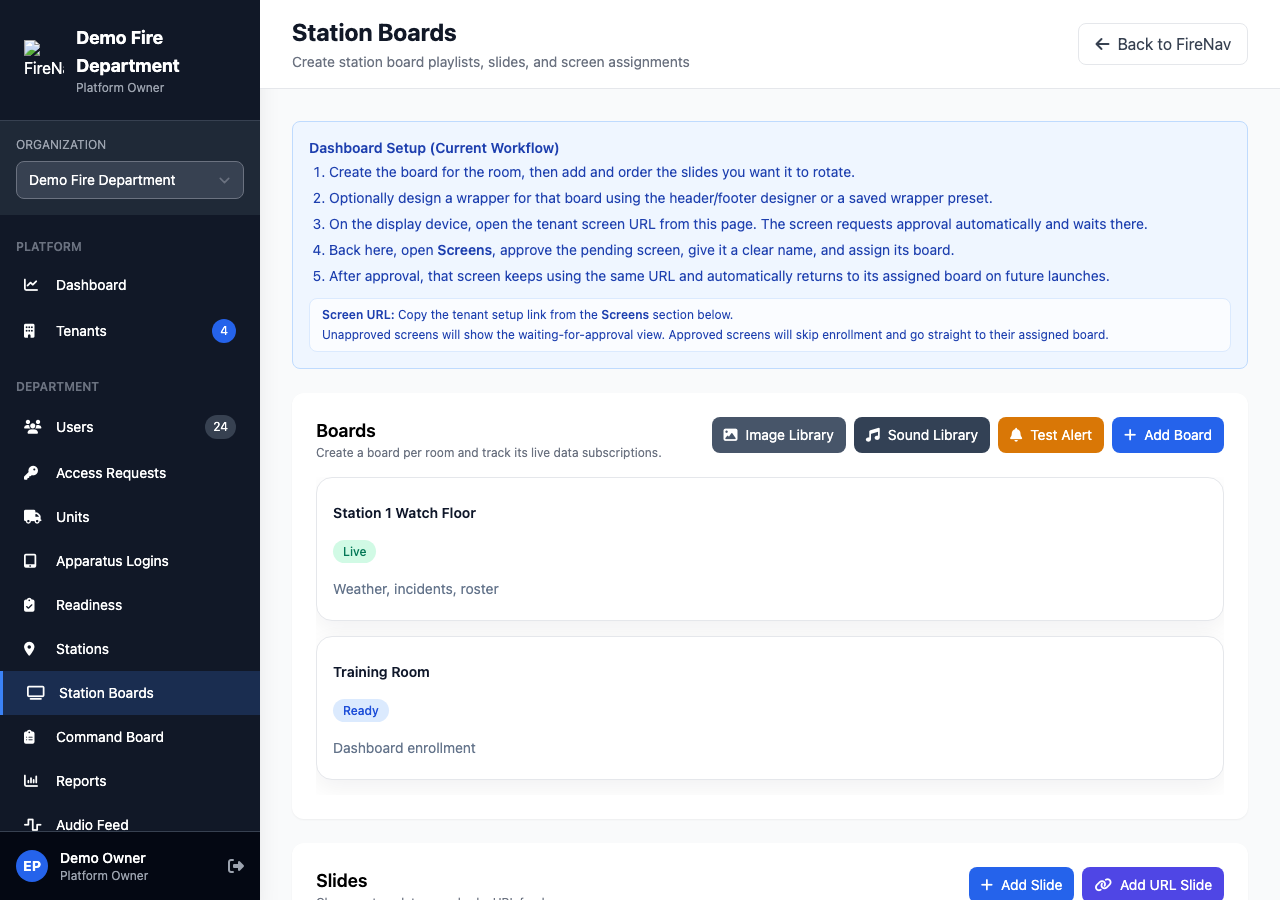
These captures show actual FireNav screen designs populated with fictional demo records. They illustrate configured workspaces without exposing department records.
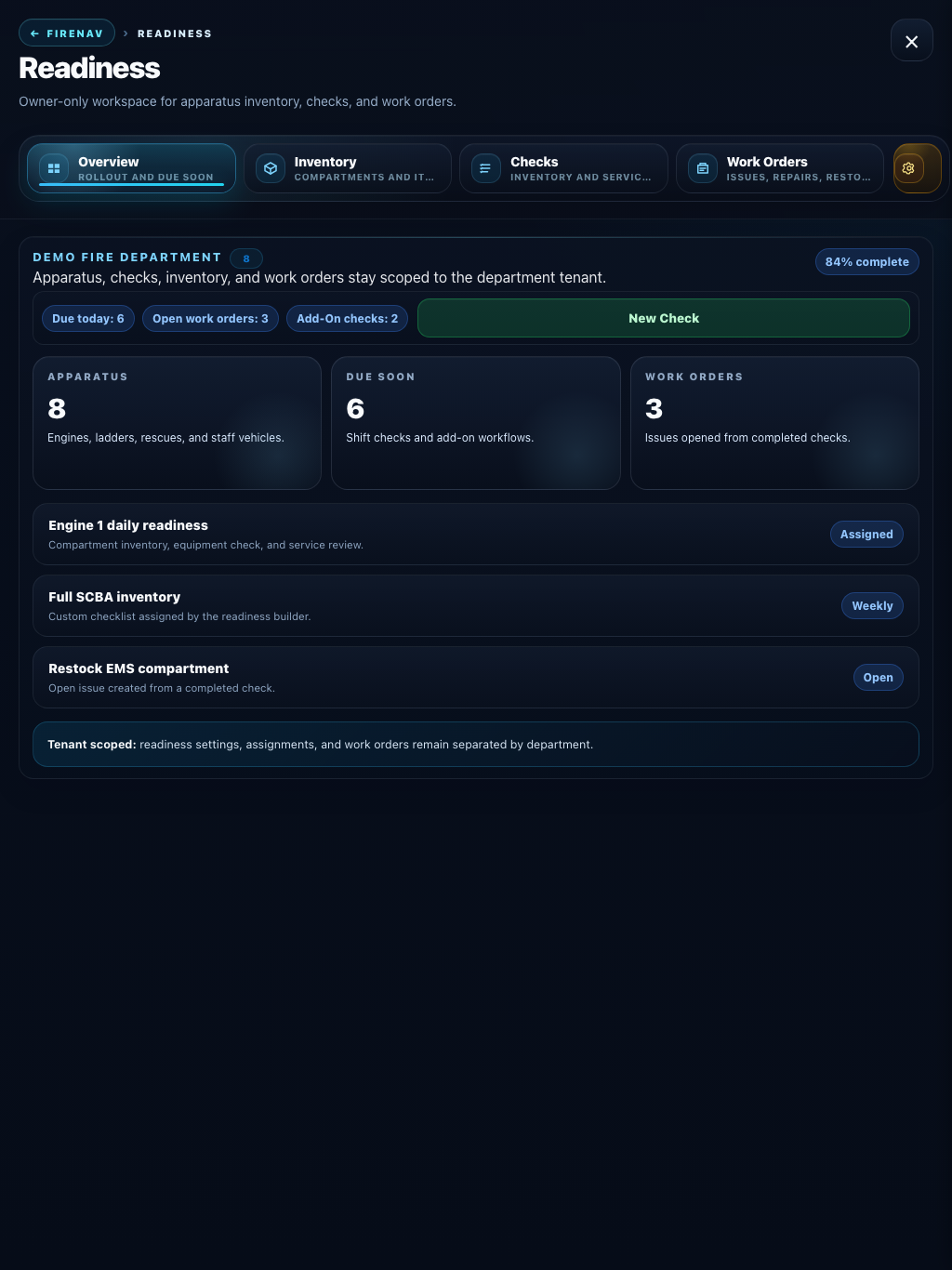
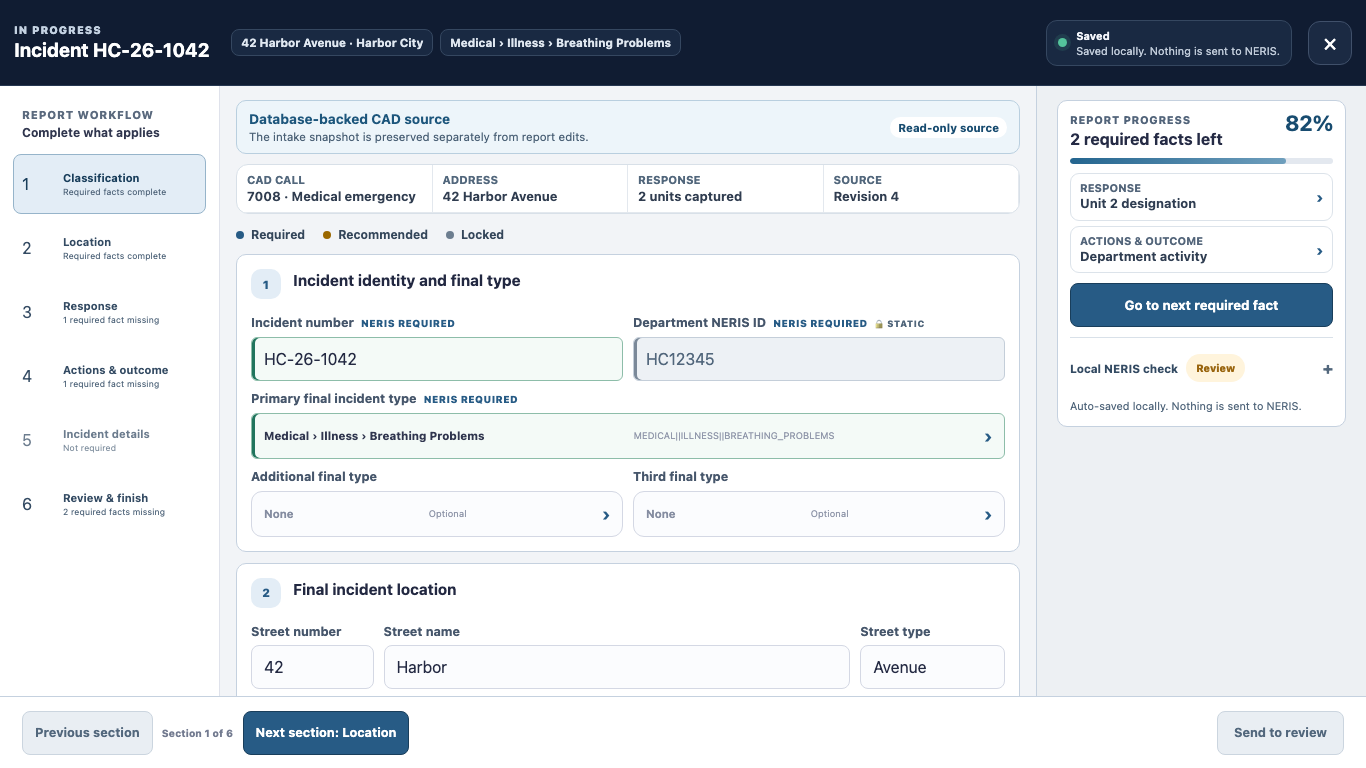
Actual FireNav screen designs · fictional sample data · module availability varies by tenant
Across the department
Station screens, MDT mode, and department setup extend the same operational context beyond the phone.
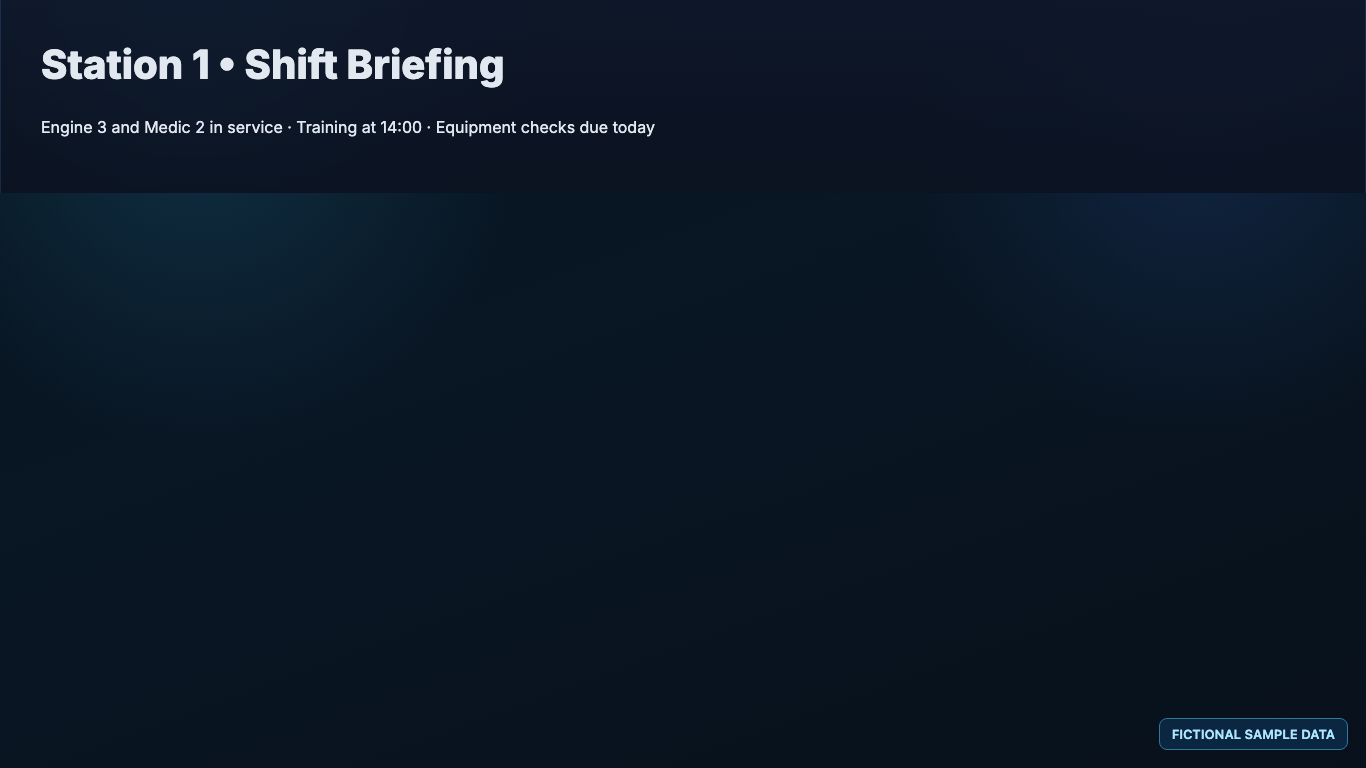
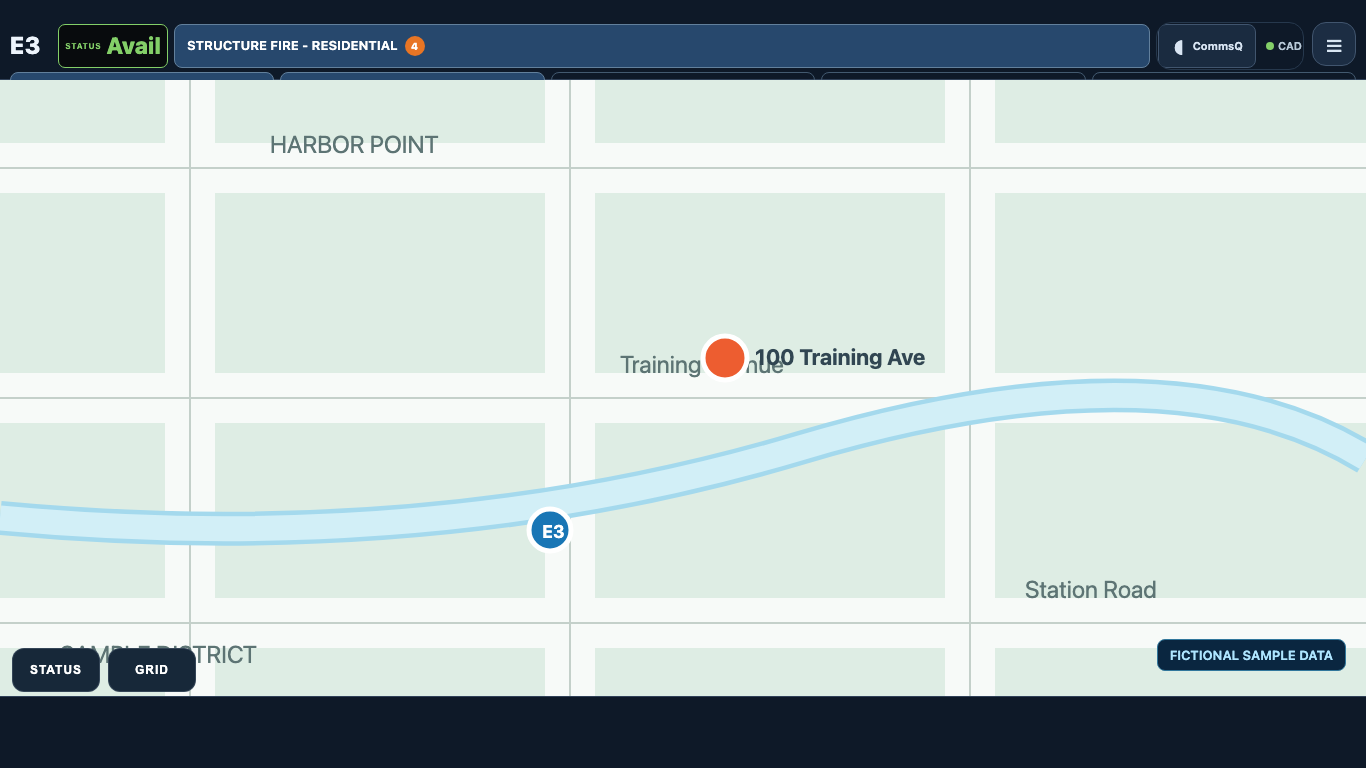
In the field
FireNav Pro is available as a browser-based PWA for approved users and through private iOS distribution. The Android app is in internal testing.
Field views bring incidents, maps, TAC actions, roster, calendar, readiness, and notifications into a phone-friendly workflow. Native capabilities depend on platform permissions and department setup.
Department control
Departments manage users, stations, apparatus, module access, dashboards, and connected services within tenant-scoped administration. Product modules can be enabled according to department needs.
Private access
FireNav Pro access is intended for approved customer departments. Existing users and trusted department domains may qualify for automatic approval; other requests receive manual review.
Get FireNav Pro
Use your department email to start the private access process.